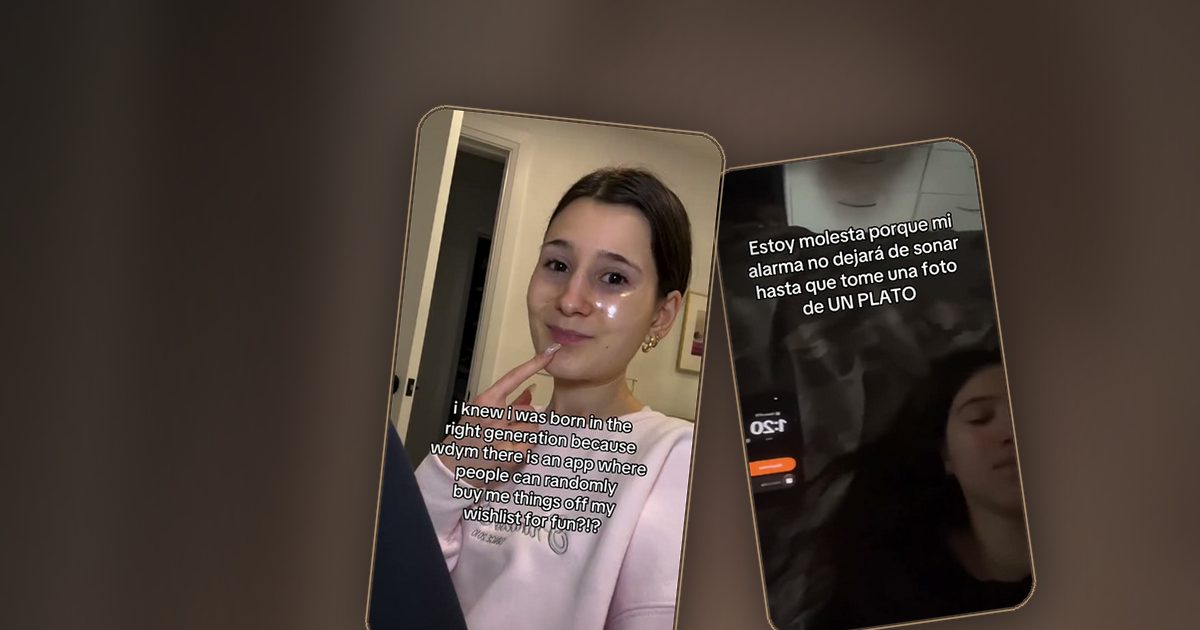
How to film professional UGC with just a phone
UGC should look real, not sloppy. The difference is rarely the camera. It is light, sound and a few habits that you can build in an afternoon.
Light first
Face a window. Soft natural light on your face fixes more problems than any lens. Avoid mixed light, such as a window on one side and a warm lamp on the other, because the colors will fight each other. If you film at night, use one soft lamp in front of you, slightly above eye level.
Sound matters more than image
Viewers forgive a rough picture. They do not forgive bad audio. Film in a quiet, soft room: curtains, a bed or a wardrobe behind you absorb echo. If you can, add a simple lavalier microphone. Always do a ten second test before the real take.
Frame for vertical
- Shoot at 9:16, with the phone at eye level.
- Keep the main subject in the middle third so captions do not cover your face.
- Leave space at the bottom, where platform buttons sit.
Use the back camera
It is sharper than the selfie camera. Use a tripod or lean the phone on something stable, and use a mirror or a second phone as a monitor if you need to check your framing.
Shoot raw, edit simply
Film each section in short takes, then cut the pauses. Fast cuts and clear captions are enough. Over-editing makes UGC feel like an ad, which is the opposite of the goal.
Deliver clean files
Export in the highest quality, name files clearly and send the version without burned-in music if the brand asks for it. Small professional habits are what bring repeat work.
Ready to get paid for your videos?
Apply once and we will match you with campaigns that fit your niche.
Apply as a creator